Free Up Gigabytes
Reclaim storage without deleting a single video. Compress the file, keep the memory, lose the bulk.
Keep every memory Compress Video
Get the app
Compress Video
Get the app
On-device · No watermarks · Works offline
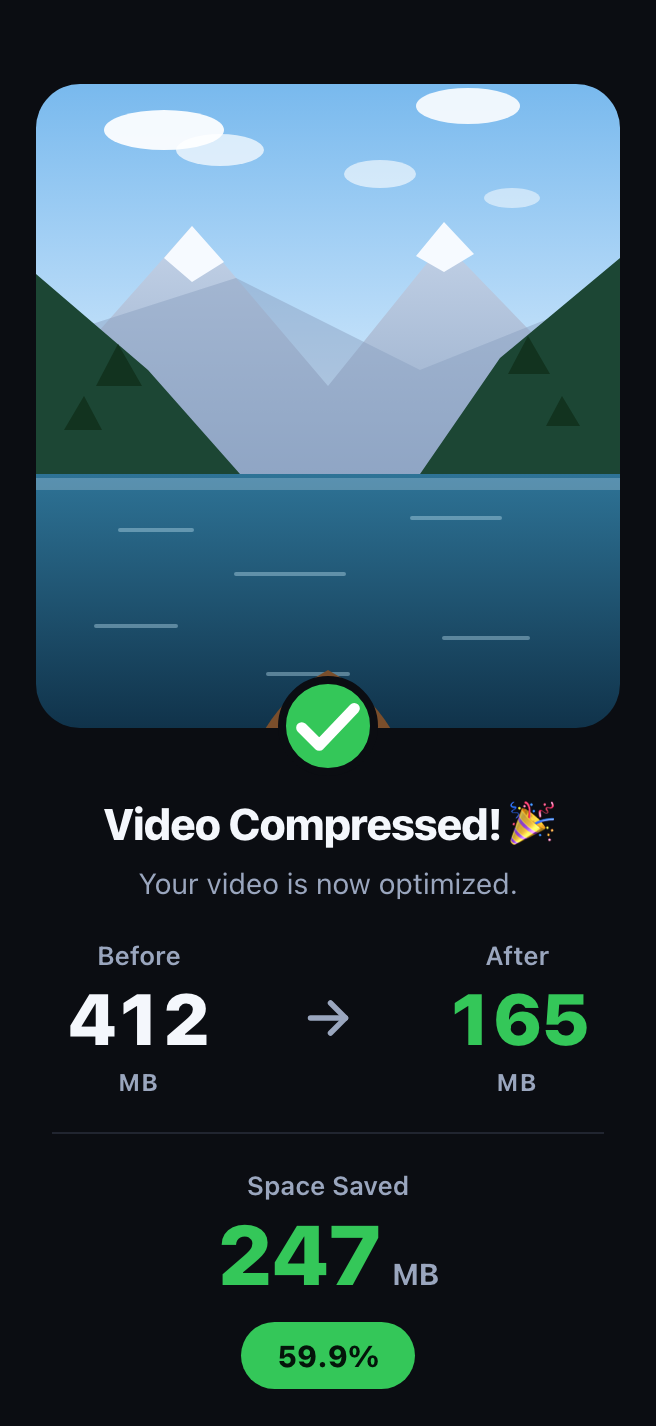
Free up gigabytes of iPhone storage without deleting a single memory. Up to 60% smaller — same quality you can see. Three presets, one tap, and your video never leaves your phone.

No settings to learn — pick a video, pick a level, get your space back.
Your whole library, sorted by size, with every video's footprint on show — see exactly what's eating your storage.
Three presets tuned so you won't notice the difference at normal viewing.
Optimal −20% · Medium −40% · Max −60%Keep both versions, or replace the original in Photos and pocket the savings — the choice is always yours.
Everything runs on your device, in seconds — with no watermarks, ever.
Reclaim storage without deleting a single video. Compress the file, keep the memory, lose the bulk.
Keep every memoryNo more “file too large” in chats and email. Shrink a video until it fits, then share it right from Photos.
iMessage · WhatsApp · MailNo uploads, no servers, no account. Compression runs entirely on your iPhone — even in airplane mode.
On-device · No uploadsOne-tap conversion between MP4 and MOV, with H.264 and HEVC under the hood.
H.264 · HEVCResults depend on the source video. 4K and high-bitrate footage shrinks the most; already-compressed clips shrink less. Compression always trades some data for space — our presets are tuned so you won't notice at normal viewing.
Questions before you install? We answer support email personally.
The first compression takes seconds.